Tiles
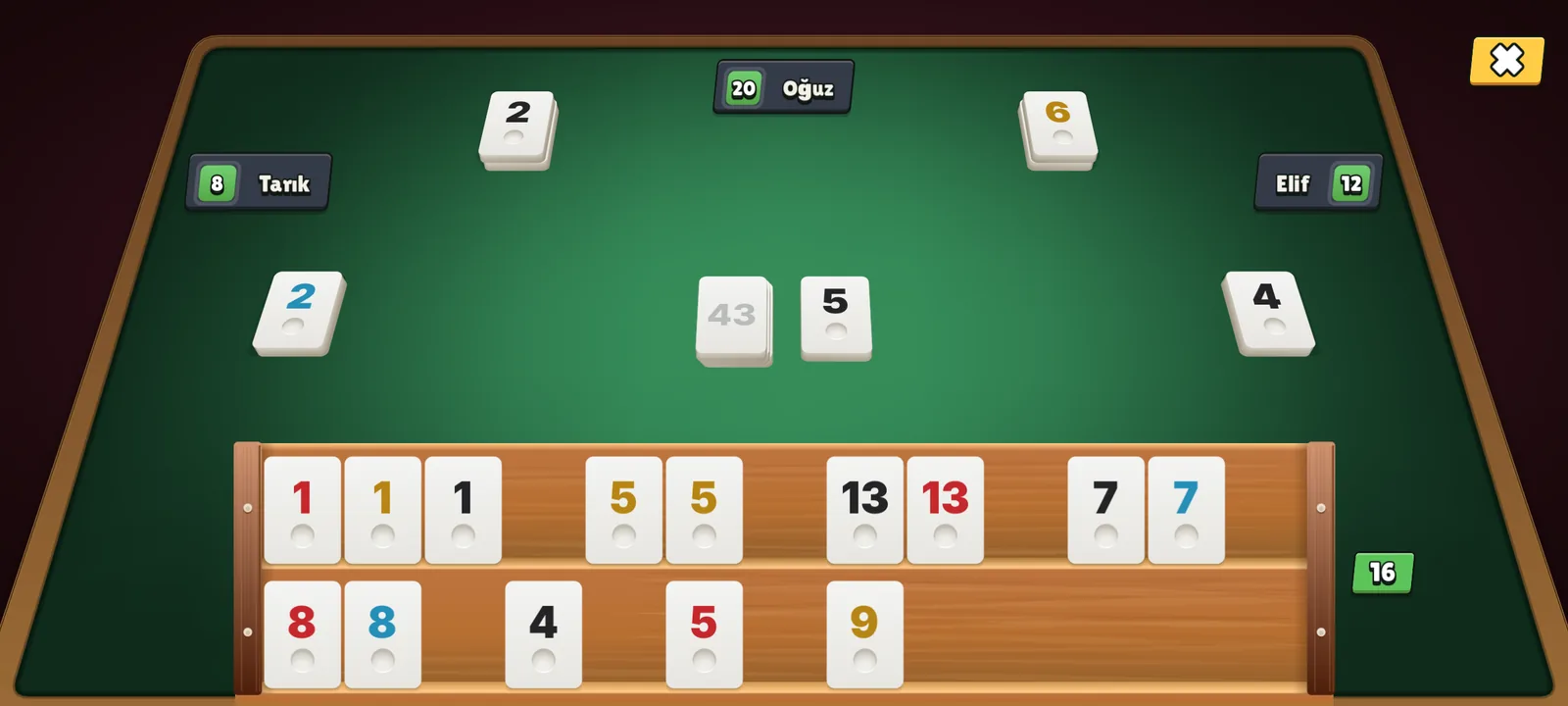
The game has 106 tiles: numbers 1 to 13 in four colours (red, yellow, blue and black), two of each tile, plus two false okeys.
Game rules, scoring, game modes and frequently asked questions. If you can't find what you're looking for, you can contact us at the bottom of this page.
Okey is played by four players. The goal is to arrange the 14 tiles in your hand into groups and finish the hand before anyone else.
One player gets 15 tiles and the others get 14. The player with 15 tiles starts by discarding a tile.
On your turn, draw a tile from the face-down pile in the middle or take the last tile discarded by the player on your left.
Then discard a tile from your hand. You have 30 seconds for each move; if time runs out, the game makes the move for you.
When all your tiles are arranged into valid groups, finish the hand by putting your last tile on the pile in the middle or on the indicator.
To finish a hand, all 14 tiles must be arranged into sets and runs, or into 7 pairs.
The game has 106 tiles: numbers 1 to 13 in four colours (red, yellow, blue and black), two of each tile, plus two false okeys.
After the deal, one tile is turned face up: the indicator. The tile one higher in the same colour is the okey for that hand, and it can stand in for any tile. If the indicator is a 13, the okey is the 1 of the same colour.
The false okey (the tile with a star) is not a joker; it is used in place of that hand's okey tile.

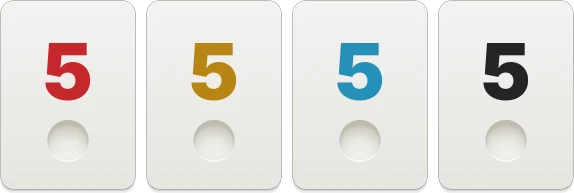
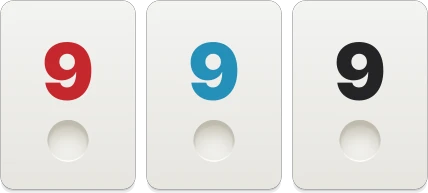
A group of 3 or 4 tiles with the same number in different colours. A set cannot contain two tiles of the same colour.
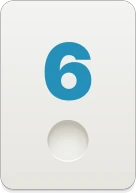
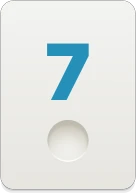
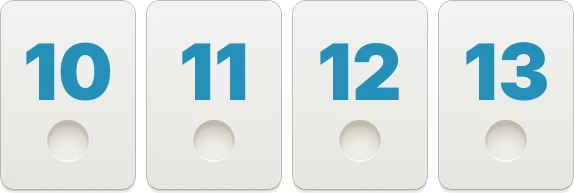
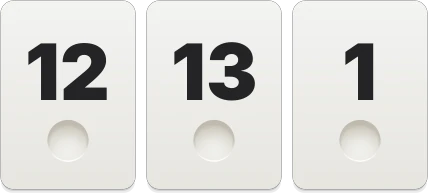
A group of at least 3 consecutive numbers in the same colour. A 1 can end a run after the 13, but a run cannot continue past the 1.
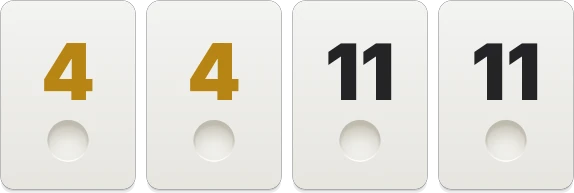
Instead of sets and runs, you can also finish with 7 pairs: two identical tiles of the same colour and number. The okey is not a joker in pairs; the okey tile only pairs with its twin or with a false okey.
When all 14 tiles are arranged into groups, finish the hand by putting your 15th tile on the pile in the middle or on the indicator. While you can finish, a gold light shines around the pile and the indicator.
If you throw the tile to your own discard spot instead, play goes on: you can hold your hand and wait to finish with the okey. If the last tile you put in the middle is the okey, you have finished with the okey; finishing with the false okey counts as a normal finish.
If the pile in the middle runs out and nobody has finished, the hand ends in a draw.
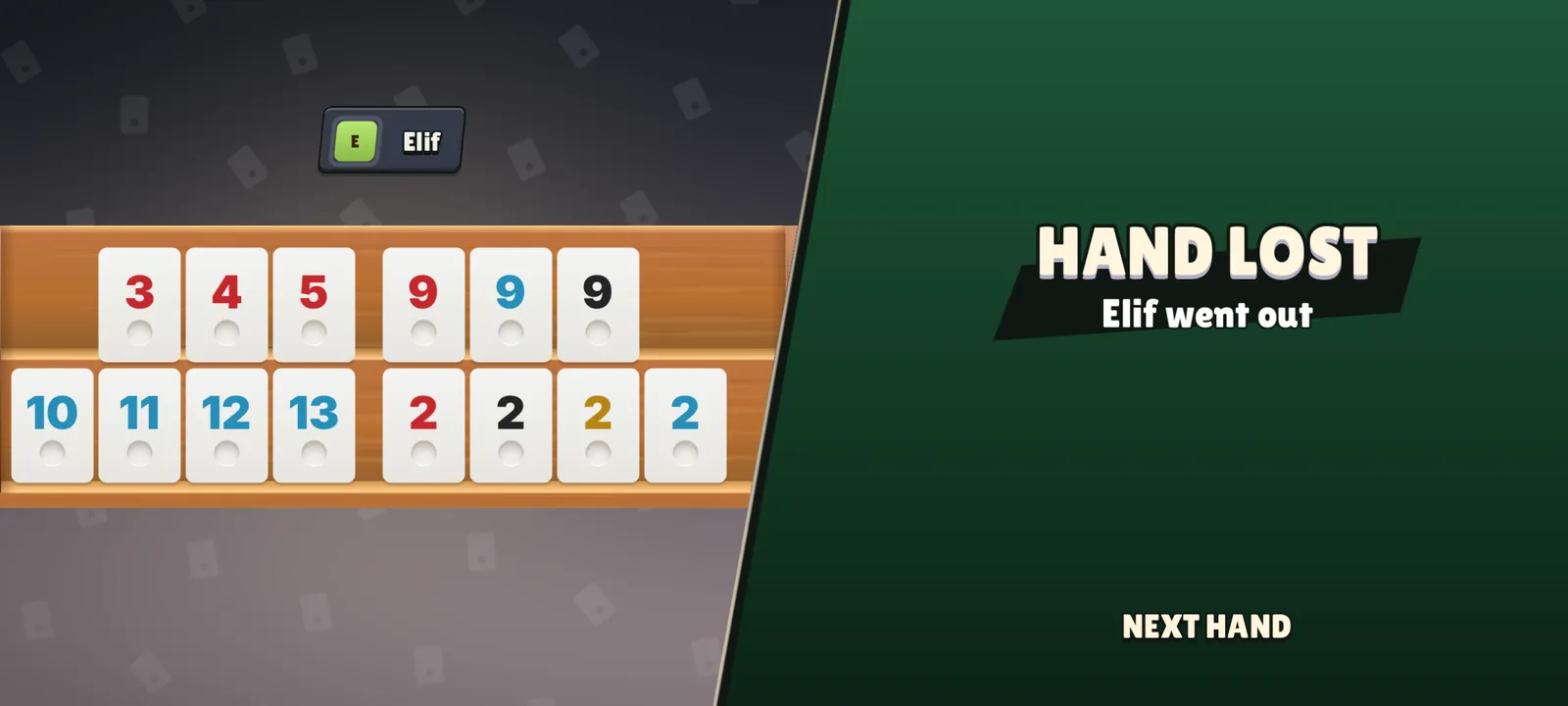
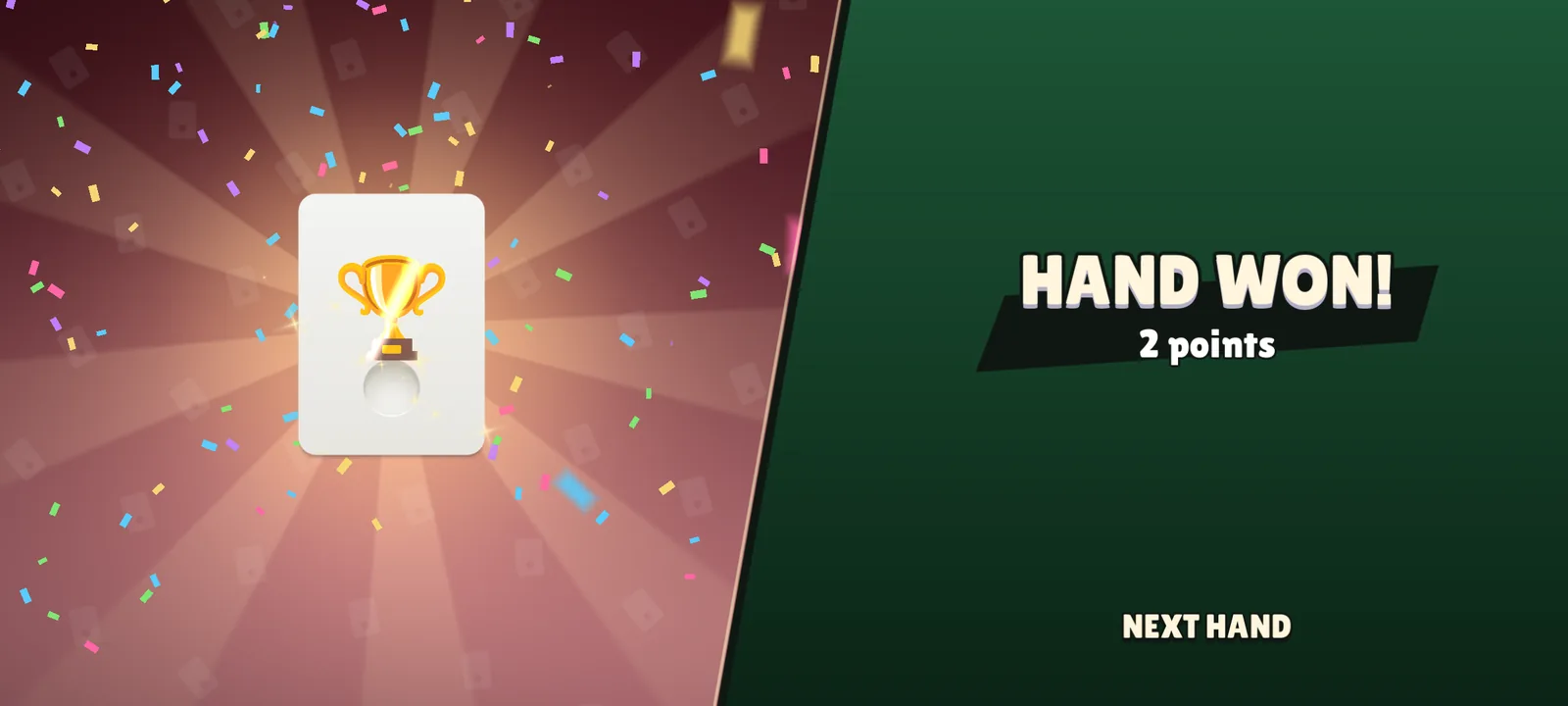
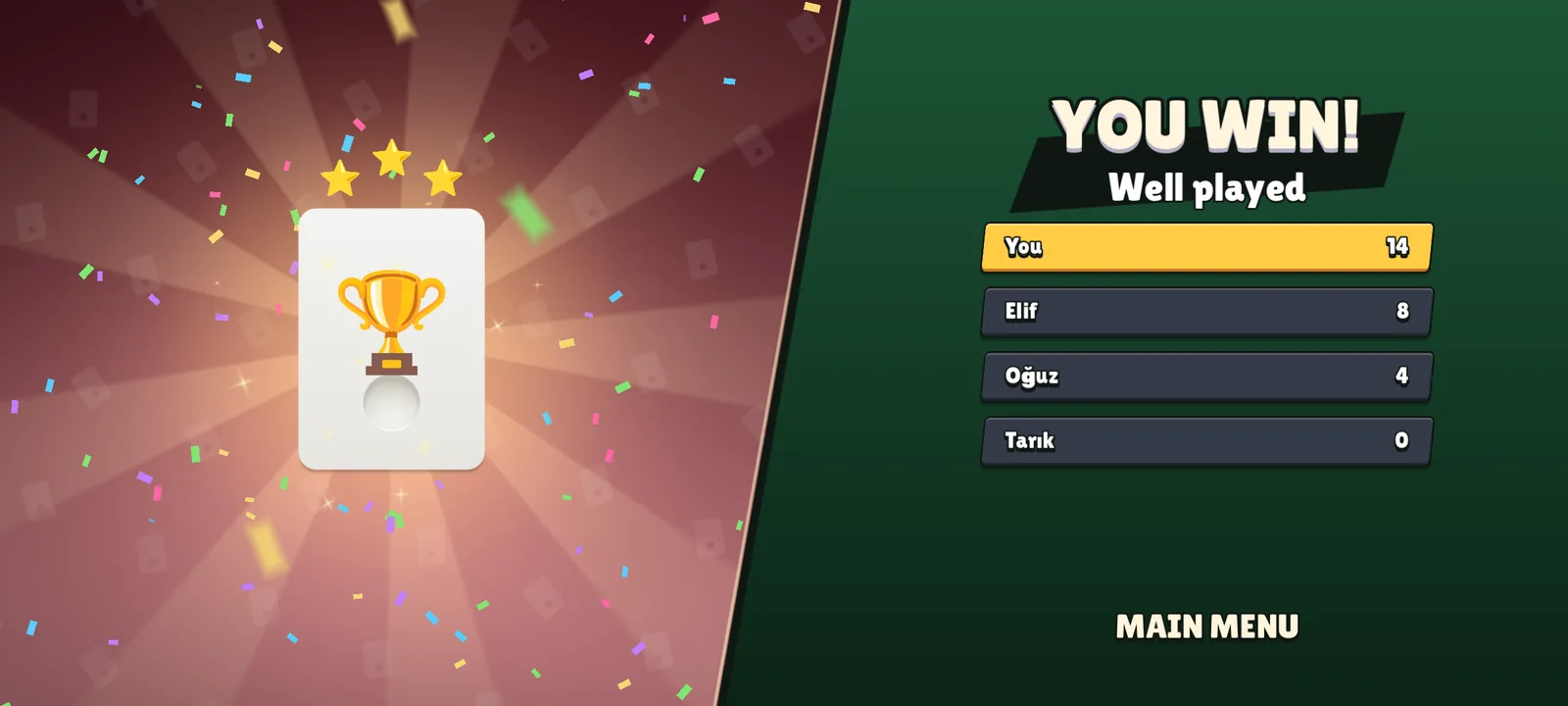
In Quick Play, everyone starts with the chosen number of points. The player who finishes the hand keeps their points; the other three players lose points.
Deducted from each player who did not finish the hand.
| How the hand was finished | Points |
|---|---|
| Normal finish (sets and runs) | −2 |
| Finish with the okey | −4 |
| Finish with pairs (7 pairs) | −4 |
| Both okey and pairs | −4 |
The match ends when someone reaches 0, and the player with the most points wins.
At a table you create for your friends (Create Table), points start at zero and the player who finishes the hand scores: a normal finish is worth 1 point, and finishing with the okey or with a single colour adds 1 point each.
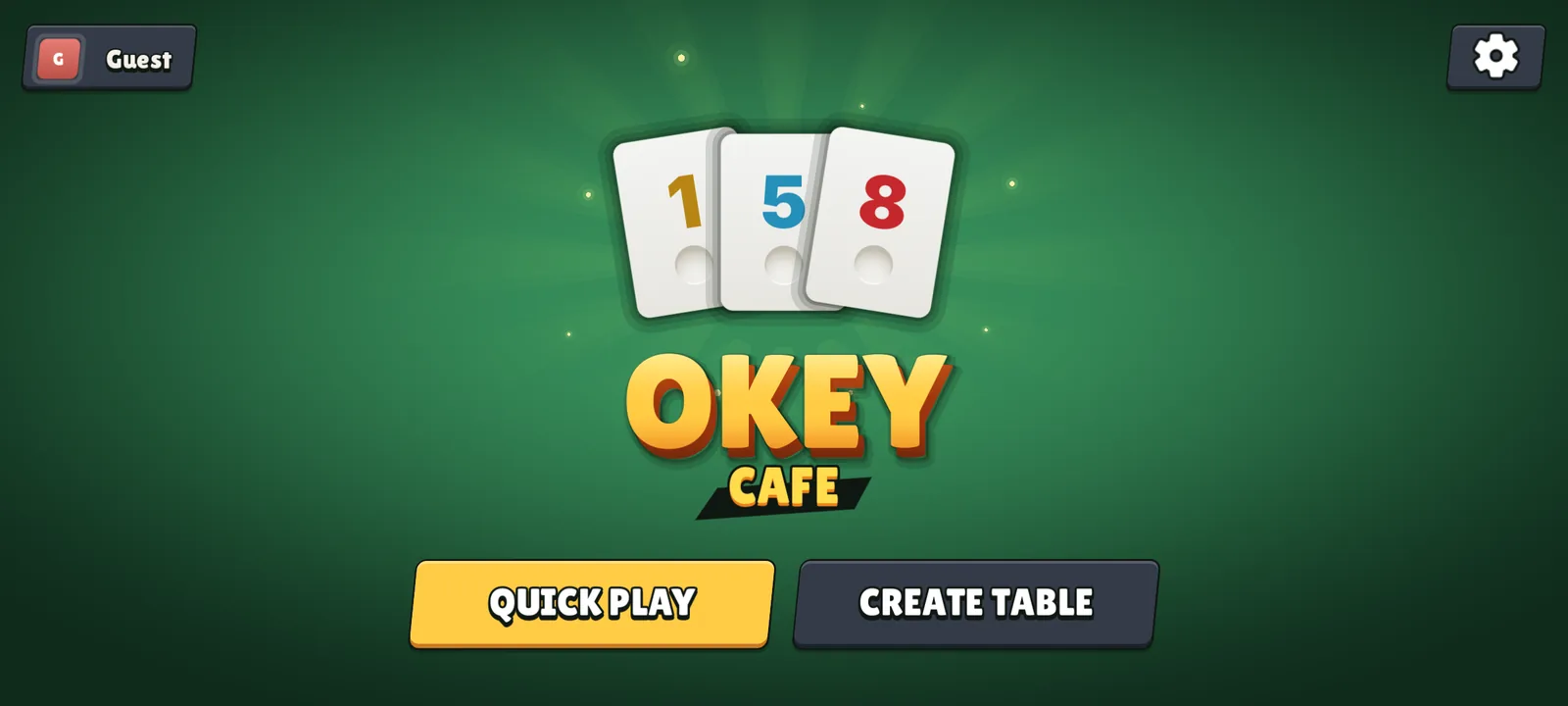
Sit at a table without waiting. You choose whether the match starts at 12, 16 or 20 points.
Create your own table, then send the invite link on WhatsApp or copy it. A friend who taps the link joins your table directly.
Type your question in the search box or pick a topic. If you can't find an answer, you can write to us.
All 14 tiles must be in valid groups: sets (same number, different colours, 3–4 tiles), runs (same colour, consecutive, at least 3 tiles) or 7 pairs.
Common mistakes: counting 13-1-2 as a run (a 1 can only end a run after the 13), using two tiles of the same colour in a set, and using the false okey as a joker.
Yes. A 1 can end a run after the 13, so 12-13-1 and 11-12-13-1 are valid. A run cannot continue past the 1, so 13-1-2 is not valid.
The false okey is not a joker; it is only used in place of that hand's okey tile, the tile one higher than the indicator. The tile that stands in for any tile is the real okey.
In Quick Play, points count down. The player who finishes the hand keeps their points; "2 points" ("4 points" for a finish with the okey or with pairs) is what each of the other players lost in that hand.
You have 30 seconds for each move. If time runs out, the game draws a tile from the pile and discards a tile for you, and play continues.
When playing with friends, if someone leaves the table during a hand, that hand ends in a draw and the next hand is dealt from a new pile. If the player who created the table leaves, another player at the table takes over the table.
After a short drop, the game reconnects automatically and puts you back at the same table, in the same hand. If you close the app and reopen it straight away, you also return to the same table. If the connection can't be restored for a long time, your seat is freed; in that case you need to start a new game.
If you get disconnected often, check your internet connection. Switching between mobile data and Wi-Fi can also cause a brief drop.
Try opening the link in your phone's browser instead of WhatsApp's built-in browser; if the app is installed, the table opens in the app. If the app isn't installed, the link opens a page where you can join the table from the browser.
If the table is full or the match has ended, the link no longer works; ask your friend for a new invite.
Tap your card in the top-left corner of the menu, type your new name and tap SAVE. At the table, you can also tap your own name to change it; everyone at the table sees your new name straight away.
Settings → Language. Choose from Türkçe, English, Deutsch, Nederlands, Français, Español, Italiano, Português and Polski; the menu reopens in the language you chose.
Notifications are off by default. To turn them on, open Settings → Notifications in the game and allow the permission your phone asks for. If you denied the permission before, turn it on in your phone's Settings → Apps → Okey → Notifications. Reminders are only sent during the day.
In the game's Settings, check that Sound Effects and Music are turned on. Sound is also muted if your phone is on silent or the media volume is turned down.
You don't need to create an account; we don't ask for your email, phone number or location. If you allow it, anonymous gameplay statistics are used to improve the game. You are asked about this on first launch, and you can change it in Settings → Privacy → Analytics. If the app crashes, an anonymous crash report is sent.
See the Privacy Policy for details.
Settings → Privacy → Delete Account. Your name, the player ID on this device and the device's analytics ID are deleted, and any pending reminders are cancelled. Our server does not store player accounts.
Anonymous statistics and crash reports that were already sent are deleted when their retention period ends.
No questions match your search. You can write to us below.
Send us an email. If you include your phone model, Android version and a short description of the problem, we can help you faster.